Stop Drowning in Information: Build a Second Brain with Personal Knowledge Management
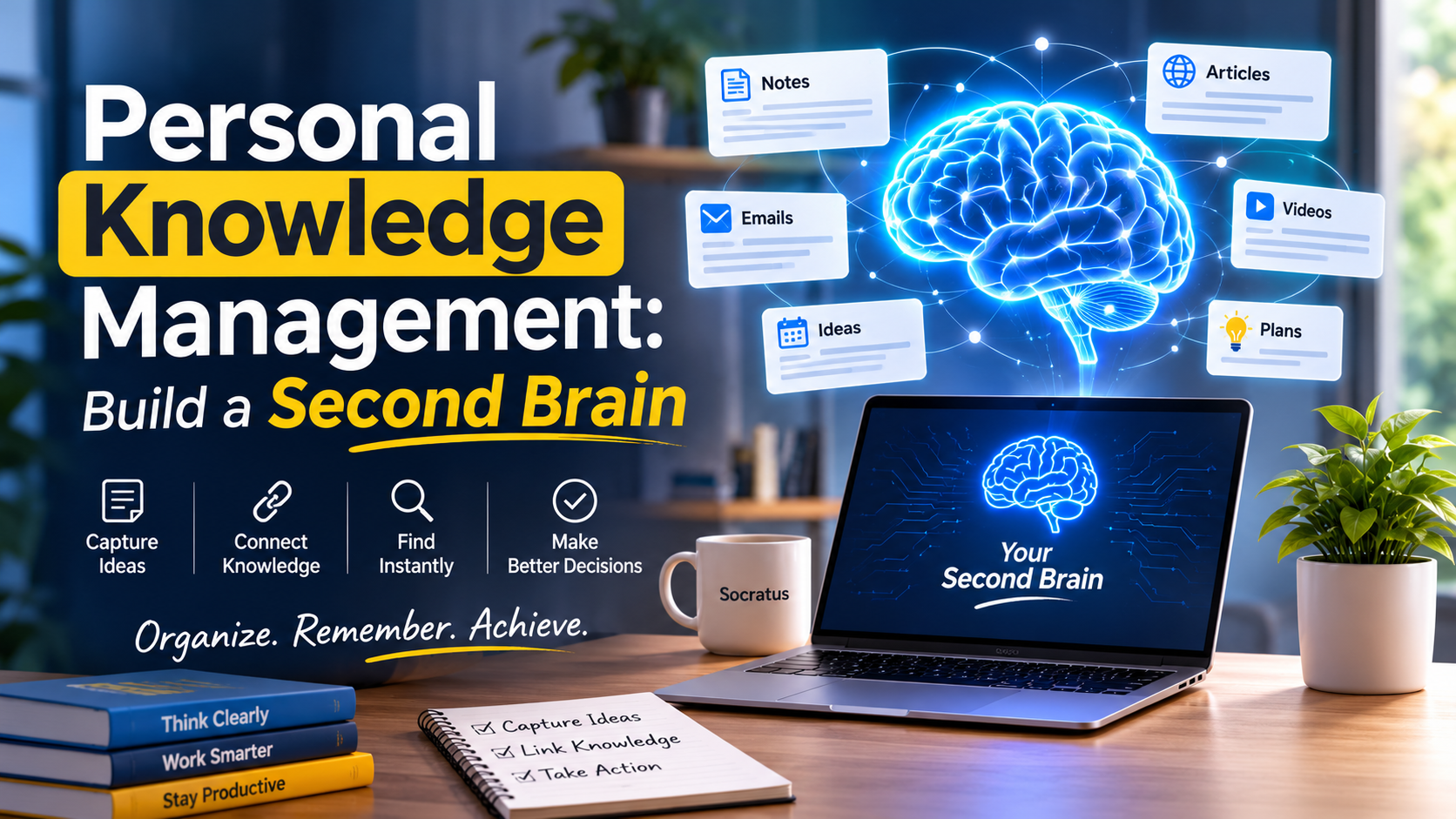
The phone gives a buzz. You have a major decision on your desk, and you are aware the answer is in your notes, but where exactly? Is it an email from some time back, a link you put aside or a chat in March?
Professionals for the most part read a great deal and put very little of it to use. The difference between the two is a drain on time and confidence.
What is called for is not more reading but good personal knowledge management. A straightforward system will make note of what you have learned and tie it all together, so the facts are at hand when required.
And there is no need for any special aptitude or a week’s worth of setting things up. Some smart habits and a decision to put them to work is all that is needed. It is a matter of minutes per step, not days.
If one is prepared to be done with the searching and get on with the deciding, we can put your haphazard notes to work as a second brain.
The Hidden Cost of Scattered Knowledge
It is Monday morning and your manager wants to know which vendor to go with. You are sure you read an excellent comparison of them last month, but can it be found in an email or a chat? Or was it on some browser tab? Twenty minutes are gone and the answer has not come to you.
Such things happen often enough, and they are costly. Time is spent on every search, and your decision is compromised by what you cannot put your finger on. As Hermann Ebbinghaus demonstrated back in the 1880s, new information is soon forgotten if one does not review it. Memory is not enough to do the work.
That is where personal knowledge management comes in to plug the hole. It puts everything you have learned in a single reliable spot so that your faculties are available for making a judgment rather than trying to remember.
The expense of this adds up. A note that is lost will have to be re-researched; another round of searching takes hours away from any deep work you might be doing. A little effort put in now is well worth the savings down the road.
Four Places Your Best Ideas Disappear
Before you fix the problem, spot where it starts. Most people lose knowledge in the same four places.
- Email and chat threads
Key facts hide inside long conversations. Nobody scrolls back three months to find them. As a result, teams repeat old debates.
- Browser tabs and bookmarks
You save a link with good intentions. Then you never open it again. A bookmark without a note is just a pile.
- Meeting notes
Notes live in random documents or notebooks. Later, you cannot recall which meeting covered which choice.
- Your own memory
Finally, you trust yourself to remember. However, memory fades fast. Writing an idea down gives it a second life.
Personal Knowledge Management vs. Regular Note-Taking
Many people think they already do this. They type notes, so they assume the job is done. However, note-taking and personal knowledge management solve different problems.
| Regular note-taking | Personal knowledge management | |
| Goal | Record what happened | Support future decisions |
| Structure | Scattered pages | Linked, searchable system |
| Review | Rare | Built into your week |
| Output | A pile of notes | Reports, plans, and choices |
In short, note-taking is a single step. Personal knowledge management is the whole loop. It covers capture, connection, review, and use. Because of this, your notes keep gaining value instead of fading away.
Personal Knowledge Management as a Decision Engine
Think of your notes as an engine with three stages. Each stage answers one question.
- Catch: What did I learn?
Save ideas the moment they appear. Use a quick note, a voice memo, or a web clip. Add one line on why it matters. That single line makes the note useful later.
- Connect: What does it relate to?
Link each note to a project, a person, or a question. German sociologist Niklas Luhmann built his famous card system on links. He credited it for his huge output of books and papers. Likewise, your links reveal patterns. A connected knowledge graph show these links visually. A customer comment may solve a product problem you never tied together before.
- Call: What should I decide?
Finally, pull your linked notes into a short decision file. List the options, the evidence, and your choice. Productivity author Tiago Forte describes this step as turning stored knowledge into finished work. Your notes now serve a goal, not a hobby. A writing and thinking workspace keeps your notes and drafts side by side.
Who Gains the Most from a Second Brain?
Anyone who handles a lot of information can benefit. Still, some roles feel the impact faster.
- Marketers and content teams: Marketers juggle campaigns, audience data, and competitor news. A shared system keeps messaging notes and results in one place. Consequently, new campaigns start from proven ideas.
- Researchers and analysts: Researchers read hundreds of sources. A clear system links each claim to its source. As a result, writing reports becomes faster and safer.
- Founders and managers: Leaders make many choices each week. Written reasoning helps them revisit old decisions. It also helps new team members learn why things work the way they do.
- Students and lifelong learners: Learners face a flood of lectures and readings. Linked notes turn separate facts into real understanding. Moreover, exam review becomes calmer and quicker.
You can also browse real examples on the Socratus use cases page.
Test Your Personal Knowledge Management Setup in Five Questions
Before you buy any tool, run this quick check. Answer yes or no.
- Can I find any note from the last month in under a minute?
- Does each note say why I saved it?
- Do I know where my sources live?
- Can I explain my last big decision using my notes?
- Do I delete notes I no longer need?
Three or more “no” answers mean your process needs work, not your software. Therefore, fix the habit first. Then pick a tool. Many people skip this order and end up with a fancy app full of clutter.
Matching Tools to Your Work
Tools matter, but fit matters more. Choose based on how you work every day.
For everyday notes
A second brain app gives you one home for notes, tasks, and links. Look for fast capture, strong search, and easy export. Also check the phone app, since most ideas strike away from your desk. A smart notes app goes further by grouping related notes for you.
For example, Socratus is a personal knowledge management app that runs on Windows, macOS, iOS, and Android. It also offers structured notes and smart tables for organizing facts.
For heavy reading
With AI knowledge management tools one can have long articles put in summary and get questions on the notes answered. They will even point out links that might otherwise be overlooked. Such an AI system is at its most effective when it has access to your own notes. There are some that link up with other AI applications by way of MCP integration. But all output should be reviewed. The final decision is yours to make since AI is not infallible.
For evidence-heavy roles
When dealing with reports, surveys or studies it is advisable to put your research data management in place from the start. Have a single folder for all raw files and note the date and source of each summary.
In that way one can follow any claim to where it came from. It is a practice that will earn the confidence of your team and your readers. For those who work with numbers, in-note code execution provides a means to run code alongside the findings.
A quick tool checklist
Use these questions before you commit to any app:
- Does capture take fewer than ten seconds?
- Can I search across every note?
- Can I link notes to each other?
- Does it work on my phone and laptop?
- Can I export my data at any time?
Protect Your Notes: Privacy and Security Basics
Client information, plans and private thoughts can all be found in your notes so they should be handled with care.
Start by going over the privacy policy for each tool you use and make sure there are unambiguous terms on data storage and sharing. A local-first approach is preferable as it means the notes remain on your device. Put strong passwords in place along with two-factor sign-in; that one measure will stymie a good many of the more common attacks.
When it comes to AI functions, consider twice before pasting anything sensitive. Share only what is necessary. And do not forget to have a backup. Should a service come to an end, an export file in another location will see you through.
Build Your First Decision File in 30 Minutes
Now put the ideas into action. Pick one real decision you face this month. Then follow these steps.
- Name the decision in one sentence.
- Gather five to ten related notes, links, or files.
- Write a two-sentence summary for each one.
- List your options and the evidence for each.
- Record your choice and why you made it.
Take this as an example. You have to put together an email tool for a team of ten. So, you collect the pricing, some notes from a demo and a review from a colleague. After you have made a summary of each, you set three options side by side for comparison. One is chosen and you put your rationale on paper.
Pay attention to that final part. The reasoning you have written down is now on record. Down the line, in a few months, it can be reviewed to see what was done right and where assumptions were lacking.
In the end, such personal knowledge management will hone your judgment.
A Light Weekly Rhythm That Keeps It Working
A system only helps if you maintain it. Fortunately, the upkeep is small.
- Daily (5 minutes): Capture ideas as they come. Do not sort yet.
- Midweek (15 minutes): Link new notes to the right project or question.
- Friday (20 minutes): Summarize your best notes and close finished work.
- Monthly (30 minutes): Review your decision files and delete clutter.
Keep the routine light on purpose. A system you can maintain beats a perfect one you abandon.
Five Mistakes That Quietly Break Your System
Even careful people slip. Watch for these traps.
- Saving everything: More notes do not mean more knowledge. Keep only what you can use.
- Over-building folders: Deep folder trees slow you down. Start simple and grow slowly.
- Switching tools often: Each move breaks your flow. Commit to one tool for three months.
- Collecting without creating: Turn at least one in ten notes into real output.
- Skipping reviews: Without review, your library fills with clutter again.
How to Know Your System Works
You can measure progress in simple ways. Watch for these signs over the first month.
- You find old notes in seconds, not minutes.
- You stop repeating research you already did.
- You explain decisions with clear evidence.
- You feel calmer about deadlines and meetings.
If you see two or three of these signs, your habit is working. If not, return to the five-question test and fix the weakest point.
FAQs About Personal Knowledge Management
1. What is personal knowledge management in simple words?
It is the habit of saving, organizing, and using what you learn. You find information fast and apply it to real work.
2. Do I need a special app to start?
No. A basic notes app works well. Build the habit first, then upgrade if you hit real limits. Check the Socratus FAQs and pricing if you want to compare options.
3. How much time does it take each week?
Plan on 30 to 45 minutes. Spend five minutes daily on capture and one short session on weekly review.
4. Is AI safe to use with my notes?
It can be. However, read each tool’s privacy policy and avoid uploading sensitive data. Always verify AI summaries before you rely on them.
5. How is a second brain different from regular note-taking?
Regular notes only store information. A second brain links notes, adds context, and turns them into decisions and finished work.
Final Thoughts
The volume of information is set to increase, but your capacity for attention is not. A case can be made for personal knowledge management as a sound investment on that account. It has the effect of converting disorganised input into insight and the basis for confident decisions.
Begin in a modest way. Do the five-question check this week and put together a decision file from an actual problem. When you are at ease with it, make a practice of a brief review. During a month, one will be in the habit of finding answers and making calls with greater surety.
Do not forget that tools are merely there to underpin the process; habits are what do the work. Be consistent with an app of your choosing and have a record of your reasoning. The notes you put aside today are something your future self will be grateful for.
Ready to begin? Open a blank note right now and name the decision on your mind. You can also try Socratus for free or read more guides here.